
This document is a user manual for the Kyocera ECOSYS P2235dn ECOSYS P2235dw printer, introducing the product's features and functions, as well as daily maintenance and troubleshooting methods
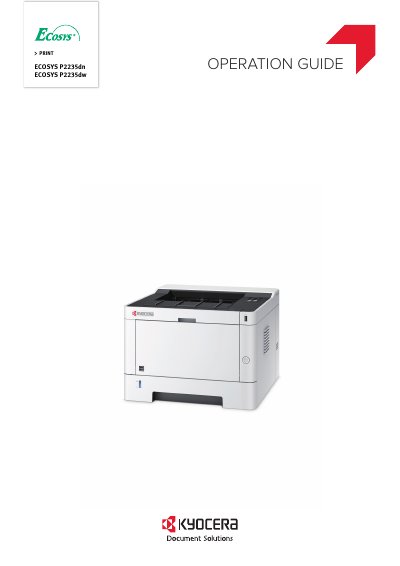
This document serves as the Operation Guide for the Kyocera ECOSYS P2235dn and ECOSYS P2235dw laser printers. It provides instructions on installing and setting up the machine, including connecting cables and installing software. The guide also explains how to use the operation panel, configure network settings, and manage energy-saving features like Auto Sleep and Quiet Mode.
The Energy Saver function automatically switches the machine into Sleep Mode to save energy.
You can make the machine quiet by reducing its running noise using Quiet Mode.
You must install Adobe Reader Version 8.0 or later to view the manuals on the DVD.