
Kyocera ECOSYS P2235dn P2235dw Printer Operation Guide

The document is an operation guide for ECOSYS P2235dn ECOSYS P2235dw printer
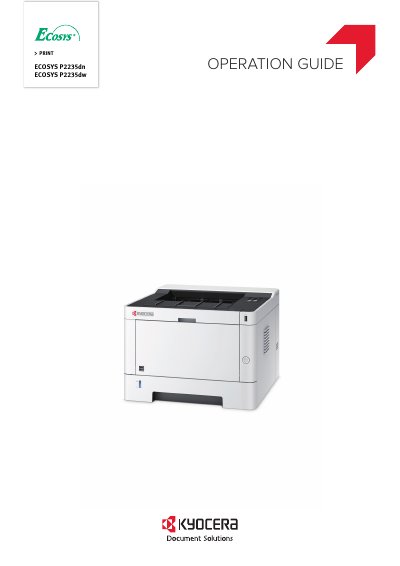

Kyocera ECOSYS P2235dn P2235dw Printer Operation Guide - cover page
Brand
Kyocera
Category
Printer
Document type
User Manual
Language
English
Pages
172
File format
PDF
File size
7.3 MB
Published
31 October, 2023
Updated
31 October, 2023
MD5 checksum
1204406CD707265FC98391D61C1D4A62

About this manual

The Operation Guide for the Kyocera ECOSYS P2235dn and ECOSYS P2235dw printers explains how to operate the machine correctly, perform routine maintenance, and take simple troubleshooting measures. It also recommends genuine Kyocera toner containers and tells how to check the equipment's serial number.

The guide covers part names, cable connections, network setup, loading paper, printing from a PC, operation on the machine, maintenance, troubleshooting, clearing paper jams, optional equipment, paper information, and specifications.

What's inside

  • Machine Features
  • Installing and Setting up the Machine
  • Network Setup
  • Loading Paper
  • Printing from PC
  • Operation on the Machine
  • Regular Maintenance
  • Troubleshooting
  • Clearing Paper Jams
  • Specifications

Frequently asked questions

What does the guide recommend for toner?

It recommends using genuine Kyocera toner containers.

What does the Energy Saver function do?

It automatically switches the machine into Sleep Mode.

What can Command Center RX be used for?

It allows access to the machine remotely to print, send, or download data.

Download PDF (7.3 MB)

More Kyocera Manuals


View all Kyocera manuals →