
This document is Grandstream Networks, Inc. GXV3615 series user manual, which mainly introduces the operating methods of GXV3615 and how to avoid dangerous situations or equipment damage.
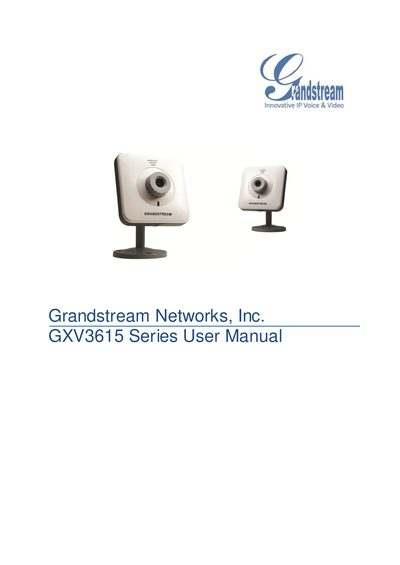
The GXV3615 Series is an IP camera solution for remote monitoring and surveillance, offering H.264 video, SIP integration, and optional PoE or Wi‑Fi connectivity. It is designed for small to medium offices, homes, and storage facilities.
The manual covers safety guidelines, package contents, hardware overview, installation steps, web‑based configuration, and maintenance procedures, including troubleshooting tips and firmware information.
| Image Sensor | 1/4" CMOS, 680H x 512V pixel resolution |
|---|---|
| Power Input | 100‑240VAC, 50‑60Hz |
| Power Output | 12VDC/0.5A |
| Operating Temperature | 0°C – 45°C |
| Operating Humidity | 10‑90% RH (non‑condensing) |
| Lens Mount | M12 |
| Focal Length | 45mm |
| Aperture | f/1.5 |
Press the RESET button on the device for at least 6 seconds until you hear a beep.
The GXV3615W supports Wi‑Fi (802.11b/g/n).
Use the supplied 12V DC power adapter; third‑party adapters are not recommended.