
This document is the QuickStart Guide for the GXV3500 IP Video Encoder/Decoder by Grandstream Networks, Inc. It provides instructions on how to connect the GXV3500 and includes precautions to be taken.
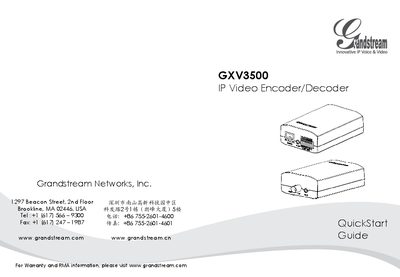
The GXV3500 is an IP video encoder/decoder designed for surveillance and video streaming applications. This guide walks you through the basic installation, power selection, and initial network setup.
Key sections cover safety precautions, package contents, choosing between a 12 V DC adapter or PoE power, connecting to a network, accessing the web interface, installing the required video plug‑in, and configuring static IP settings for advanced use.
| Operating temperature | -10°C to +55°C |
|---|---|
| Operating humidity | 10‑90% RH (non‑condensing) |
| Power supply voltage | 12 V DC |
| Default IP address | 192.168.1.168 |
The default administrator username and password are both set to “admin”.