
BudgeTone-200 SIP Phone User Manual introduces how to install, connect, use, configure and upgrade BudgeTone-200 SIP Phone
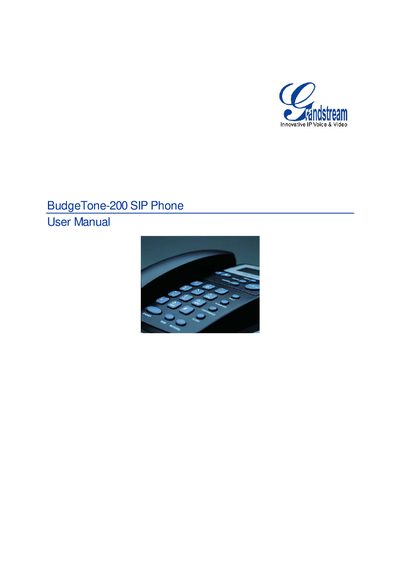
The BudgeTone-200 SIP phone is an IP telephone that offers a rich set of voice features, dual Ethernet ports, and a 25‑button keypad with a 12‑digit LCD. The package includes the main case, handset, power adapter, Ethernet cable and phone cord.
The manual covers hardware installation, safety compliance, warranty information, detailed configuration via keypad, web interface or TFTP/HTTP, firmware upgrades, and how to restore factory default settings.
| Ethernet ports | Two 10/100 Mbps Full/Half Duplex Ethernet Switch with LAN and PC port |
|---|---|
| Headset jack | 2.5 mm headset port |
| LED indicator | 1 red LED |
| Keypad | 25‑button keypad |
| LCD display | 12‑digit caller ID LCD |
| Regulatory compliance | FCC / CE / C‑Tick |
| Audio features | Full‑duplex hands‑free speakerphone, headset enabled |
| Supported codecs | PCMU, PCMA, GSM, G.723.1, G.729A/B, G.726‑32, G.722 (wide band), iLBC |
Unzip the firmware files to the TFTP server root, set the server to "Transmit Only", configure the phone’s firmware server path with the PC’s IP address, start the server, then update and reboot the phone.
Press the MENU button, navigate to "reset", enter the MAC address using the keypad mapping (e.g., A = 22), then confirm to reboot the phone.