
Key facts
- Brand
- DELL
- Model
- PowerConnect ArubaOS 6.0
- Category
- Communications equipment
- Documents
- 5
- Languages
- EN
- Last added
- 2023-11-24
Start here
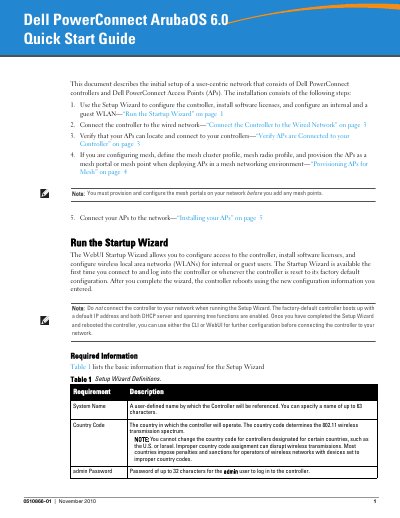
Dell PowerConnect ArubaOS 6.0 Quick Start Guide
This document provides instructions for the initial setup of a user-centric network using Dell PowerConnect controllers and Access Points (APs). The primary method involves using the WebUI Startup Wizard to configure the controller, install software licenses, and set up internal and guest WLANs. Alternatively, users can perform an initial setup via a serial port connection before connecting the device to the wired network.
Read onlineDell PowerConnect ArubaOS 6.0 specifications
| System Name Length | up to 63 characters |
|---|---|
| Admin Password Length | up to 32 characters |
| Enable Mode Password Length | up to 15 characters |
| Default IP Address | 172.16.0.254 |
All Dell PowerConnect ArubaOS 6.0 documents by type
The shortest path to a working setup, usually only a few pages.
Day-to-day operation, settings and troubleshooting. Start here if the product is already set up.
Questions answered in these manuals
What is the default IP address of the controller?
The default IP address is 172.16.0.254.
Can the country code be changed after configuration?
No, you cannot change the country code for controllers designated for certain countries.
What is the default IP address of the controller?
The default IP address of the controller is 172.16.0.254.
What communication settings are required for a serial port connection?
The required settings are a baud rate of 9600, 8 data bits, no parity, 1 stop bit, and no flow control.
What is the default IP address of the controller?
The default IP address of the controller is 172.16.0.254.
What serial port settings are used for initial setup?
Use 9600 baud, 8 data bits, no parity, 1 stop bit, and no flow control.