
Dell PowerConnect ArubaOS 6.0 Quick Start Guide

The Dell PowerConnect ArubaOS 6.0 Quick Start Guide describes the initial setup of a user-centric network that consists of Dell PowerConnect controllers and Dell PowerConnect Access Points (APs).
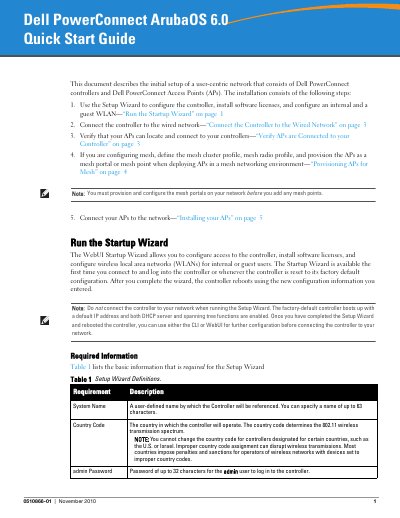

Dell PowerConnect ArubaOS 6.0 Quick Start Guide - cover page
Brand
DELL
Category
Other Electronics
Document type
Quick Start Guide
Language
English
Pages
6
File format
PDF
File size
328 KB
Published
22 November, 2023
Updated
22 November, 2023
MD5 checksum
E964617462C9F19BD3756D804D7951FD

About this manual

This document provides instructions for the initial setup of a user-centric network consisting of Dell PowerConnect controllers and Access Points (APs). The installation process involves running the Startup Wizard to configure the controller, installing software licenses, and setting up internal and guest WLANs. Alternatively, users can configure the controller via a serial port connection before connecting it to the wired network.

What's inside

  • Run the Startup Wizard
  • Connect the Controller to the Wired Network
  • Verify APs are Connected to your Controller
  • Provisioning APs for Mesh
  • Installing your APs
  • Serial Port Connection
  • Enable DHCP from the WebUI
  • Controller Discovery

Frequently asked questions

What is the default IP address of the controller?

The default IP address of the controller is 172.16.0.254.

What communication settings are required for a serial port connection?

The required settings are a baud rate of 9600, 8 data bits, no parity, 1 stop bit, and no flow control.

What is the maximum length for the system name?

You can specify a system name of up to 63 characters.

Download PDF (328 KB)

More DELL Manuals


View all DELL manuals →