
Key facts
Start here
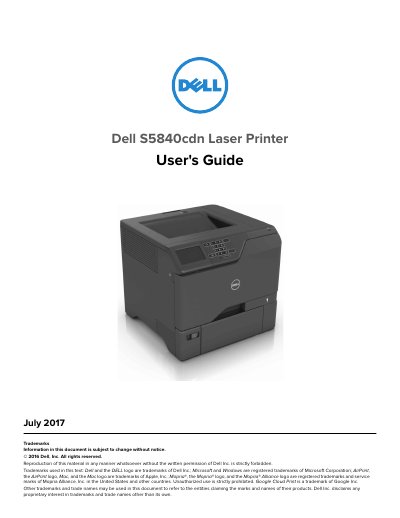
Dell S5840cdn Laser Printer User's Guide
This document serves as the User's Guide for the Dell S5840cdn Laser Printer, published in July 2017. It provides comprehensive instructions for setting up the device, including safety precautions, selecting a location, attaching cables, and configuring the control panel. The guide also details how to load paper and specialty media, use the home screen applications, and print from various sources such as computers, flash drives, and mobile devices using Mopria, Google Cloud Print, or AirPrint.
Read onlineDell S5840cdn specifications
| Supported Login Methods | Local accounts, LDAP, LDAP+GSSAPI, Kerberos, Active Directory |
|---|---|
| Maximum IPsec Preshared Key Connections | 7 |
| Maximum IPsec Certificate Connections | 5 |
| Maximum Restricted Server List Entries | 10 |
Source: Dell S5840cdn Embedded Web Server Security Administrator's Guide
All Dell S5840cdn documents by type
Day-to-day operation, settings and troubleshooting. Start here if the product is already set up.
Questions answered in these manuals
What is the purpose of the Embedded Web Server security guide?
To secure the printer using the Embedded Web Server by combining login methods and access controls to define users and their allowed functions.
From: Dell S5840cdn Embedded Web Server Security Administrator's Guide
How can I restrict TCP connections to the printer?
You can configure the printer to connect only from a list of specified TCP/IP addresses, blocking all connections from other addresses.
From: Dell S5840cdn Embedded Web Server Security Administrator's Guide
How many trained personnel are required to lift the printer safely?
Two or more trained personnel are required to lift the printer because its weight is greater than 18 kg (40 lb).
What should you do to the printer before inspecting the power cord?
You must remove the power cord from the electrical outlet before inspecting it for signs of problems.