
Cisco Jabber 11.6 Windows Quick Start Guide

This guide provides quick start instructions for using Cisco Jabber 11.6 on Windows, covering features like instant messaging, voice/video calls, and WebEx…
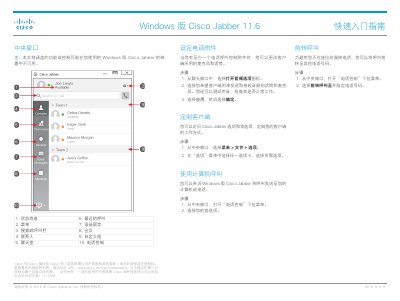

Cisco Jabber 11.6 Windows Quick Start Guide - cover page
Brand
Cisco
Document type
Quick Start Guide
Language
Chinese
Pages
2
File format
PDF
File size
252 KB
Published
16 October, 2026
Updated
16 October, 2026
Model
11.6
MD5 checksum
B6F8023F22D6AAD9B766D988DD832341

About this manual

This document is a Quick Start Guide for Cisco Jabber 11.6 on Windows. It outlines the basic interface elements, including the central hub, contacts, and recent calls. The guide explains how to access the menu to manage settings, search for contacts, and initiate calls. This manual is written in Chinese.

What's inside

  • Central Hub
  • Contacts
  • Recent Calls
  • Voice Contacts
  • WebEx Meetings
  • Adding Contacts
  • Menu Options
  • Search or Call

Frequently asked questions

What is the minimum requirement to use the voice control feature?

You must have at least one headset connected for the voice control feature to work.

How long does it take for a contact named 'Avery Griffen' to return from being busy?

The status indicates that Avery Griffen will be back in 5 minutes.

Download PDF (252 KB)

More Cisco Manuals


View all Cisco manuals →