
This is a computer mouse that can switch different sensitivities with buttons and is suitable for a variety of computer operations
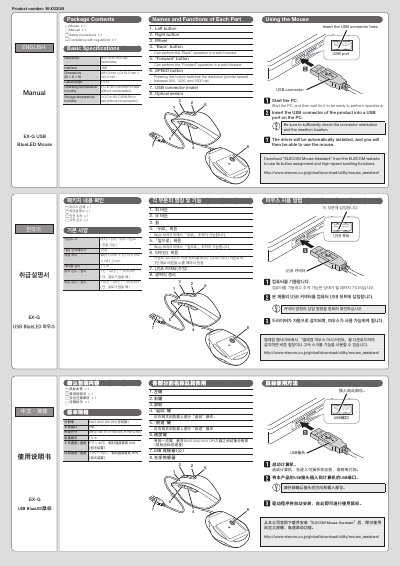
This manual provides instructions for the ELECOM EX-G USB BlueLED Mouse, model M-XG2UB. It details the package contents, including the mouse, manual, and safety precautions. The guide explains how to insert the USB connector and notes that the driver installs automatically upon connection.
| Cable Length | 1.5m |
|---|---|
| Operating Temperature | 5°C to 40°C |
| Storage Temperature | -10°C to 60°C |
Press the SPEED button to switch between 800, 1200, and 1600 dpi.
You must download and install the 'ELECOM Mouse Assistant' from the ELECOM website.