
This is a user manual for the TK-MBD041 series multi-device Bluetooth keyboard
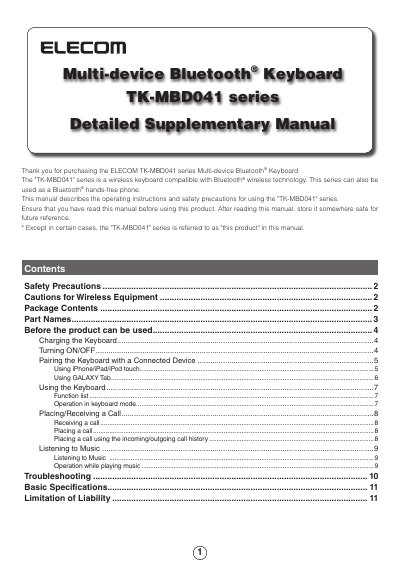
This manual provides instructions for using the ELECOM TK-MBD041 multi-device Bluetooth keyboard. It covers safety precautions, charging, pairing with devices, and operation in keyboard and hands-free modes. The keyboard can also be used as a Bluetooth hands-free phone for calls and music playback. It includes details on part names, LED indicators, and troubleshooting tips.
It is a wireless keyboard compatible with Bluetooth® wireless technology and can also be used as a Bluetooth® hands-free phone.
The package includes the keyboard, a USB charging cable, and the user’s manual.
Press and hold the hanging up/power key for about 3 seconds.
The charging connector lights red while charging and turns blue when charging is complete.