
The ELECOM Mouse Assistant 5 User Manual explains how to install, configure and use the software for assigning functions to ELECOM mouse buttons on Windows.
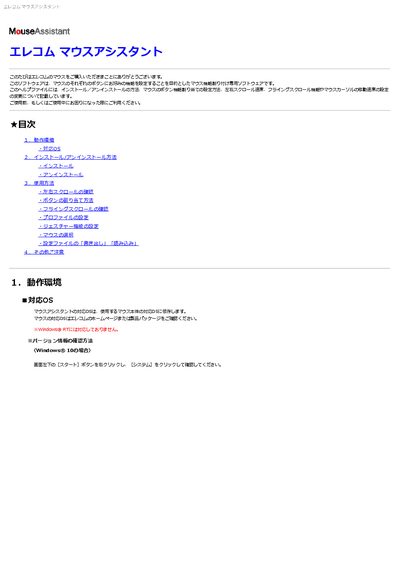
This manual describes the ELECOM Mouse Assistant 5 utility, which lets you assign custom functions to each button of a compatible ELECOM mouse, adjust scrolling speed, enable flying scroll, and create profiles. It covers system requirements, installation and uninstallation procedures, and detailed usage instructions.
Key sections include operating‑system compatibility, step‑by‑step installation, button‑assignment workflow, left/right tilt‑wheel scrolling, gesture configuration, mouse selection when multiple devices are connected, and how to export or import configuration files. Troubleshooting tips for sleep‑resume issues and other common problems are also provided. This manual is written in Japanese.
| Supported Operating Systems | Windows 10, 8.1, 7, Vista (not Windows RT) |
|---|---|
| Maximum Supported Mice | One mouse at a time |
Unplug the mouse from the USB port, plug it back in, and restart the software if necessary.