
Instructions for using and replacing the pen tips of P-TIPACSTAP02WH and P-TIPACSTAP02BK stylus pens.

This document introduces the instructions for using and replacing the pen tips of two stylus pens: P-TIPACSTAP02WH and P-TIPACSTAP02BK.
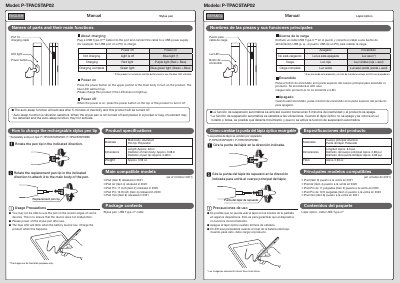

Instructions for using and replacing the pen tips of P-TIPACSTAP02WH and P-TIPACSTAP02BK stylus pens. - cover page
Brand
Elecom
Category
Other Computer Accessories
Document type
User Manual
Language
English
Pages
2
File format
PDF
File size
1.9 MB
Published
18 October, 2023
Updated
18 October, 2023
MD5 checksum
71E7A7ABCC45C519C449D10FD0D76591

About this manual

This manual provides instructions for the ELECOM P-TPACSTAP02 rechargeable stylus pen. It details how to charge the device using a USB Type-C cable and explains the LED indicators for battery status. The guide also lists compatible iPad models, including the iPad (Gen 9), iPad Air (Gen 4), and iPad Pro.

What's inside

  • Names of parts
  • How to change the rechargeable stylus pen tip
  • Product specifications
  • Package contents
  • Main compatible models
  • Usage Precautions
  • About charging
  • Materials and Dimensions
  • Compliance status
  • Safety precautions

Specifications

Main body materialAluminum
Pen tip materialPolyacetal
LengthApprox. 6.3 in
Main body diameterApprox. 0.38 in
Pen tip diameterApprox. 0.08 in

Frequently asked questions

What are the compatible iPad models?

The stylus is compatible with iPad (Gen 9), iPad Air (Gen 4), iPad Pro 11 inch (Gen 2), iPad Pro 12.9 inch (Gen 4), and iPad mini (Gen 6).

How do I know if the battery is low?

The blue LED will blink when the battery level is low.

How do I replace the pen tip?

Rotate the pen tip in the indicated direction to attach it to the main body of the pen.

Download PDF (1.9 MB)

More Elecom Manuals


View all Elecom manuals →