
This user manual covers setup, operation modes, and specifications for the ELECOM HT1DR wireless trackball mouse.
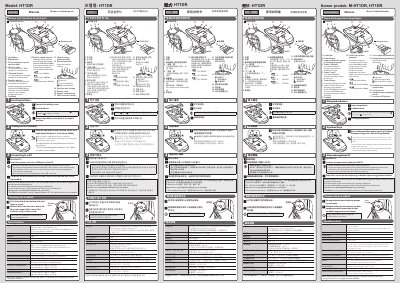
This document provides instructions for the ELECOM HT1DR Wireless Trackball Mouse. It details how to insert batteries, connect the receiver to a PC, and configure the device using the ELECOM Mouse Assistant software. The manual explains the two operating modes: High Speed Mode for better tracking and Low Power Mode for extended battery life.
| Resolution | 500/1000/1500 dpi (switchable) |
|---|---|
| Interface | USB |
| Radio frequency | 2.4 GHz band |
| Operating temperature | 5°C to 40°C |
| Battery type | AA alkaline, manganese, or NiMH |
| Continuous operating time (Low Power Mode) | approx. 235 hours |
| Continuous operating time (High Speed Mode) | approx. 137 hours |
| Dimensions (Trackball mouse) | approx. 115 x 182 x 58 mm |
It supports Windows 10, 8.1, 7, Vista, and macOS Sierra 10.12.
High Speed Mode improves tracking for fast movements but shortens battery life, while Low Power Mode extends battery life.
No, the ELECOM Mouse Assistant does not support Windows RT.