
This manual provides usage instructions, specifications, and safety warnings for the ELECOM TK-TCM014 numeric keypad.
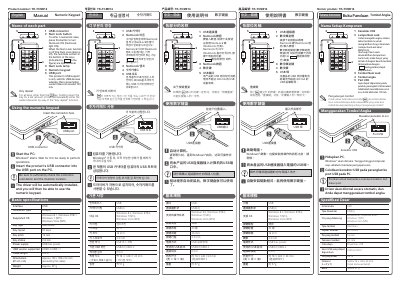
The document serves as a user guide for the ELECOM TK-TCM014 numeric keypad. It details the product's physical layout, including the USB connector, Num Lock button, and lamp. The manual explains how to connect the device via USB, activate the Num Lock function, and use the key repeat feature for entering numerical values.
| Connector type | USB[A] |
|---|---|
| Supported OS | Windows 8.1, Windows RT8.1, Windows 7(SP1), Windows Vista (SP2) |
| Key type | Membrane |
| Key layout | 20 keys |
| Key pitch | 16 mm |
| Key stroke | 2.3 mm |
| Power supply | USB bus power |
| USB version supported | USB2.0/USB1.1 |
| Cable length | 0.5 m |
| Dimensions (W x D x H) | Approx. 78 x 128 x 24 mm (excluding the cable) |
| Weight | Approx. 97 g |
The product's USB support is only valid for USB devices whereby their consumption current does not exceed 100 mA.
To enter a numerical value, press the Num Lock button to turn it ON (NumLock light ON).
Holding down the key will repeatedly enter the same character by way of the 'key repeat' function.