
ELECOM Wireless Mouse 0-;*015%%6 Series User Manual

This manual provides instructions for the safe operation, battery installation, pairing with devices, and usage guidelines of the ELECOM Wireless Mouse.
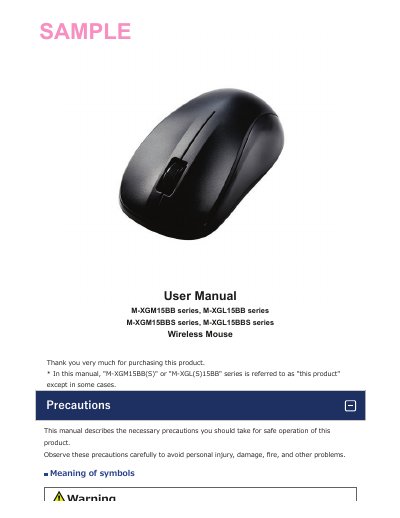

ELECOM Wireless Mouse 0-;*015%%6 Series User Manual - cover page
Brand
Elecom
Category
Mouse keyboard
Document type
User Manual
Language
English
Pages
54
File format
PDF
File size
3.2 MB
Published
28 October, 2026
Updated
28 October, 2026
MD5 checksum
19708D7E5C30778470222FE2049BC49F

About this manual

Thank you for purchasing the ELECOM Wireless Mouse. This document describes the necessary precautions for safe operation to avoid personal injury or damage, as well as how to use the product effectively. It covers safety warnings regarding water, heat, and electromagnetic interference, along with specific instructions on cleaning and battery maintenance.

What's inside

  • Precautions
  • Cleaning the Product
  • Cautions for Wireless Equipment
  • Switch connected device
  • Connecting and setting up the mouse
  • Replacing the batteries
  • Power-saving mode

Frequently asked questions

What type of batteries does this mouse use?

The product uses AA alkaline, AA manganese, or AA nickel-metal hydride rechargeable batteries.

What type of batteries are required for this mouse?

The product requires either AA alkaline, AA manganese, or AA nickel-metal hydride rechargeable batteries.

What is the maximum interference distance for this wireless device?

The interference distance for this device is 10 meters.

How long does the LED lamp blink when switching between Bluetooth devices?

The LED lamp will blink for about 3 seconds when the device to be switched is connected.

Download PDF (3.2 MB)

More Elecom Manuals


View all Elecom manuals →