
This is a manual for using a wireless mouse
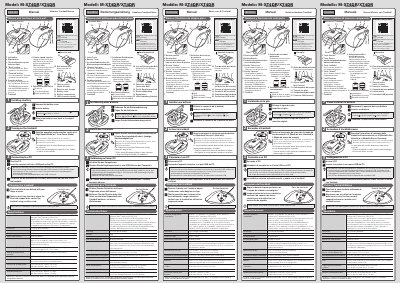
This manual explains how to install batteries, connect the mouse to a PC via USB, and switch between High Speed and Low Power modes. It includes technical specifications such as resolution, operating temperature, and battery life. The mouse is compatible with Windows and Mac OS X systems.
| Resolution | 750/1500 dpi (switchable) |
|---|---|
| Interface | USB (USB 2.0 or higher) |
| Radio Frequency | 2.4 GHz band |
| Operating Temperature | 5°C to 40°C |
| Battery Type | AA alkaline dry battery, AA manganese dry battery or AA nickel-metal hydride rechargeable battery |
| Continuous Operating Time (Low Power Mode) | approx. 125 hours |
Insert the receiver unit into a USB port on the PC. The driver will be automatically installed.
Windows 10, 8.1, RT8.1, 7, Vista, and Mac OS X 10.10.
Approximately 273 days.