
This document introduces the basic operating methods of a wireless mouse, including battery installation, power switch, and pairing methods.
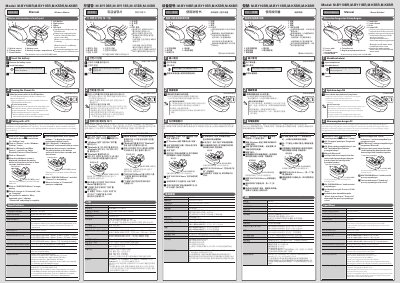
This manual explains how to install batteries, turn on the mouse, and pair it with a PC using Bluetooth. It also covers power-saving mode and operating specifications.
The mouse supports Bluetooth 5.0, has a 1300 dpi resolution, and works with Windows 10, macOS Catalina, Android, and iOS. Battery life is estimated at 153 hours of continuous use.
| Resolution | 1300 dpi |
|---|---|
| Bluetooth Version | Bluetooth 5.0 Class2 |
| Radio Frequency | 2.4 GHz band |
| Battery Type | AAA alkaline, manganese, or nickel-metal hydride |
| Continuous Operation Time | Approximately 153 hours |
Hold the pairing button on the bottom for 2-3 seconds, then select 'ELECOM IR Mouse' and click 'Connect' on Windows or 'Connect' on macOS.
When the mouse is left untouched for a fixed period while powered on, it automatically enters power-saving mode. It resumes operation when touched.
Windows 10, Windows 8.1, macOS Catalina (10.15), Android OS 7 to 10, and iOS iPadOS (13.4).