
This manual introduces the features and usage of ELECOM Trackball Mouse.
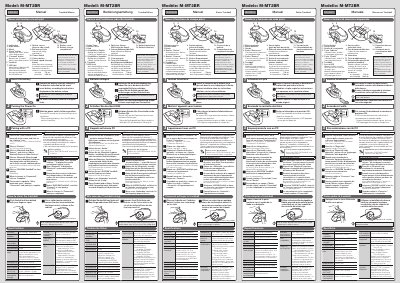
This manual explains how to power on, pair, and use the ELECOM Trackball Mouse with Windows and macOS. It includes battery installation, cleaning instructions, and Bluetooth pairing steps for Windows 10/7 and macOS Mojave. The mouse supports 750/1500 dpi resolution and has a 5-button layout including a scroll wheel.
Technical specs cover battery life, dimensions, supported OS, and operating conditions. The manual also provides a link to download "Elecom Mouse Assistant" for customizing button functions on Mac systems.
| Resolution | 750/1500 dpi (switchable) |
|---|---|
| Bluetooth Version | 4.0 Class2 |
| Supported OS | Windows® 10, Windows® 8.1, Windows® RT8.1, Windows® 7, macOS Mojave (10.14) |
| Battery Type | AAA alkaline, manganese, or nickel-metal hydride |
| Dimensions | Approximately 62 mm × 94 mm × 41 mm |
| Operational Temperature | 5°C to 40°C |
| Radio Frequency | 2.4 GHz band |
| Number of Buttons | 5 |
It supports Windows 10, 8.1, RT8.1, 7, and macOS Mojave (10.14).
With alkaline battery, continuous operation is ~47 hours and standby ~208 days. Estimated usage is ~100 days with 5% usage time.
Yes, download and install "Elecom Mouse Assistant" to assign functions to buttons. Forward and Back buttons become available.