
User manual for the ELECOM M-XT3DR/XT3DR wireless trackball mouse, covering installation, operation modes, and technical specifications.
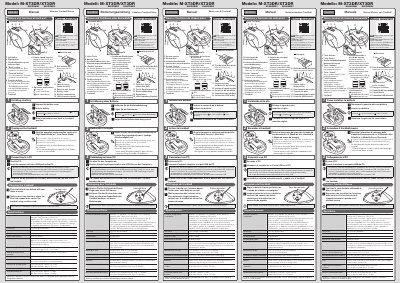
This manual provides instructions for the ELECOM M-XT3DR/XT3DR Wireless Trackball Mouse. It details how to install batteries, turn on the device, and connect the receiver unit to a PC via USB. The document explains the two operating modes: Low Power Mode and High Speed Mode, noting that the latter offers better tracking for fast movements but shorter battery life. It also includes safety warnings regarding the optical sensor and USB connector.
| Resolution | 750/1500 dpi (switchable) |
|---|---|
| Interface | USB |
| Radio frequency | 2.4 GHz band |
| Radio wave method | GFSK modulation |
| Radio wave outreach (non-magnetic) | approx. 10 m |
| Radio wave outreach (magnetic) | approx. 3 m |
| Operating temperature | 5°C to 40°C |
| Storage temperature | -10°C to 60°C |
| Battery type | AA alkaline, AA manganese, or AA NiMH |
| Continuous operating time (Low Power Mode) | approx. 125 hours |
| Continuous operating time (High Speed Mode) | approx. 76 hours |
The two modes are Low Power Mode and High Speed Mode. High Speed Mode improves tracking for fast movements but reduces battery life.
The mouse supports Windows 10, 8.1, RT8.1, 7, Vista, and Macintosh OS X 10.10.
You should take care not to damage the optical sensor when cleaning the contact area.