
Elecom M-TP10BB Series Bluetooth Optical Mouse User Manual

This manual introduces how to use the Elecom M-TP10BB series Bluetooth optical mouse and safety precautions.
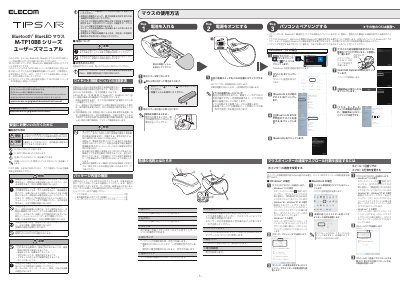

Elecom M-TP10BB Series Bluetooth Optical Mouse User Manual - cover page
Brand
Elecom
Document type
User Manual
Language
Japanese
Pages
2
File format
PDF
File size
2 MB
Published
18 October, 2023
Updated
18 October, 2023
MD5 checksum
1292063C5F3CD32D49487A5B6EE004C9

About this manual

This document is the user manual for the Elecom M-TP10BB Series Bluetooth optical mouse. It provides instructions on how to use the device, including pairing with a computer and adjusting pointer speed. The manual also includes safety warnings and maintenance guidelines. This manual is written in Japanese.

What's inside

  • Safety Precautions
  • Package Contents
  • Part Names and Functions
  • Pairing Procedure
  • Pointer Speed Adjustment
  • Battery Information
  • Cleaning Instructions
  • Wireless Usage Notes

Frequently asked questions

What is the M-TP10BB series mouse used for?

It is a wireless optical mouse compatible with Bluetooth® technology.

What should you do if the mouse’s LED lamp flashes red?

It indicates the mouse is in pairing mode or the battery is low.

What type of batteries does the mouse use?

It uses size 4 alkaline, manganese, or nickel-hydrogen batteries.

What is the maximum interference distance for the wireless device?

The interference distance is 10 meters.

Download PDF (2 MB)

More Elecom Manuals


View all Elecom manuals →