
This is the user manual for the ELECOM EX-G Wireless BlueLED mouse. The manual contains instructions on how to assemble, install and operate the mouse.
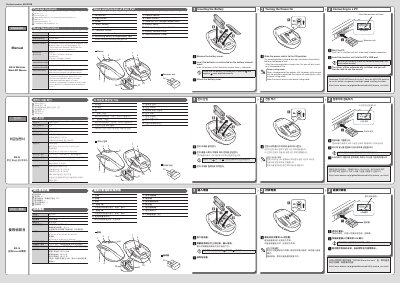
This document is the user manual for the ELECOM EX-G Wireless BlueLED Mouse. It details the package contents, including the mouse, receiver unit, and batteries. The guide explains how to install the batteries correctly, turn on the power, and connect the receiver unit to a PC via the USB connector.
| Resolution | 1600 dpi |
|---|---|
| Interface | USB |
| Radio frequency | 2.4 GHz band |
| Radio wave method | GFSK |
| Operation distance (non-magnetic) | approx. 10 m |
| Operation distance (magnetic) | approx. 3 m |
| Dimensions (Mouse) | 70.0 mm × 110.0 mm × 40.0 mm |
| Dimensions (Receiver unit) | 15.0 mm × 18.0 mm × 6.0 mm |
| Operating temperature | 5°C to 40°C |
| Supported battery | AAA alkaline, AAA manganese, AAA NiMH |
| Operating time (alkaline) | approx. 152 hours |
| Continuous standby time | approx. 220 days |
The remaining battery charge display light will blink in red for a fixed period of time.
The mouse automatically switches to power saving mode after a fixed period of time with the power switch on and no operations performed.
Move the mouse to return from power saving mode.
Yes, you can download the ELECOM Mouse Assistant from the ELECOM website to use button assignment functions.