
This is a manual for a wireless mouse
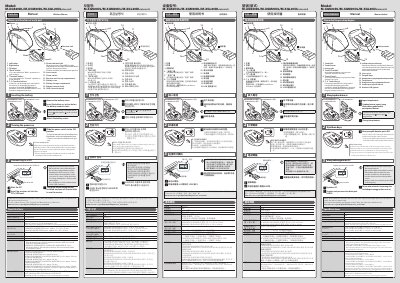
This manual explains how to use the ELECOM wireless mouse models M-XGS20DL, M-XGM20DL, and M-XGL20DL. It covers button functions, battery installation, and USB receiver connection. The mouse supports 1600 DPI resolution and USB interface. It also includes power-saving mode and battery level indicators.
The manual provides specifications including dimensions, operating temperature, supported batteries, and radio frequency. It includes instructions for Macintosh users to use forward and back buttons. The receiver unit is 15 x 18 x 6 mm and connects via USB. This manual is written in Chinese.
| Resolution | 1600 DPI |
|---|---|
| Interface | USB |
| Radio Frequency | 2.4GHz band |
| Operating Temperature | 5°C to 40°C |
The operating temperature range is 5°C to 40°C.
The mouse has a resolution of 1600 dpi.