
This is a product manual for a mouse.
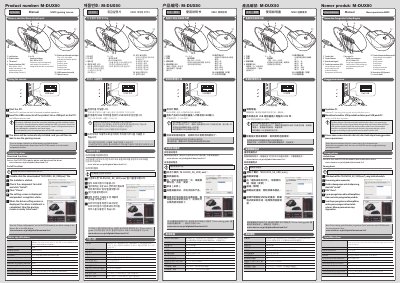
This manual provides setup instructions for the ELECOM M-DUX50 MMO gaming mouse, including USB connection and driver installation. It details button customization via downloadable software and lists technical specifications such as resolution, tracking speed, and supported operating systems.
The mouse features 14 programmable buttons, an optical sensor, and a tiltwheel. It is compatible with Windows 10, 8.1, 7, and Vista. The manual includes safety warnings about USB insertion and notes that the mouse requires a driver for full functionality.
| Number of Buttons | 14 |
|---|---|
| Resolution | 50 to 3500 dpi |
| Maximum Tracking Speed | 80 inch (2.0 msec) |
| Maximum Polling Rate | 1000 Hz |
| Maximum Acceleration Detected | 20 G |
| Dimensions | Approx. 77 x 113 x 42 mm |
| Cable Length | 15m |
| Operating Temperature/Humidity | 5°C to 40°C / 90%RH or less (without condensation) |
| Storage Temperature/Humidity | -10°C to 60°C / 90%RH or less (without condensation) |
| Supported OS | Windows 10, Windows 8.1, Windows 7, Windows Vista |
The mouse supports Windows 10, Windows 8.1, Windows 7, and Windows Vista.
Yes, you can assign functions to all buttons and the tiltwheel, but you must download and install the driver from ELECOM’s website.
The maximum polling rate is 1000 Hz.