
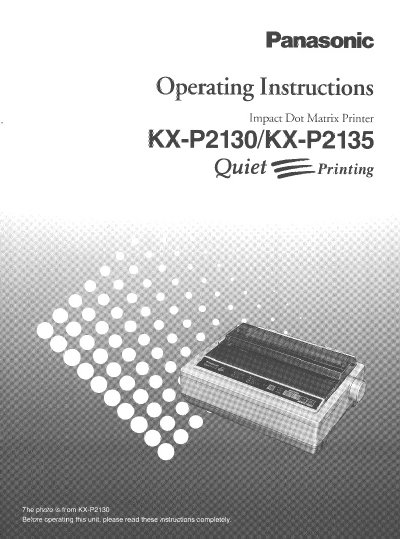
This manual provides operating instructions for the Panasonic KX-P2130 and KX-P2135, versatile 24-pin dot matrix printers designed for office use. The document covers printer emulation (Epson LQ-860 and IBM Proprinter X24E), features such as Super Quiet Mode and Color Printing, and includes a setup disk with a Windows Ver. 3.1 driver.
| Printing Technology | 24-pin dot matrix |
|---|---|
| Printer Emulation | Epson LQ-860 and IBM Proprinter X24E |
| Draft Printing Speed | 200 characters per second |
| LQ Printing Speed | 67 characters per second |
| Memory Capacity | 14K (expandable to 46K) |
| Operating Temperature | 10~35°C (50~95°F) |
| Operating Humidity | 20~80% RH |
| Fonts | 3 Draft and 7 LQ |
The KX-P2135 includes a color ribbon cassette and Windows Quick start guide, while the KX-P2130 requires an optional Color Kit for color printing.
The built-in sheet feeder can automatically feed up to 20 sheets.
Super Quiet Mode is a feature that reduces printing noise.