
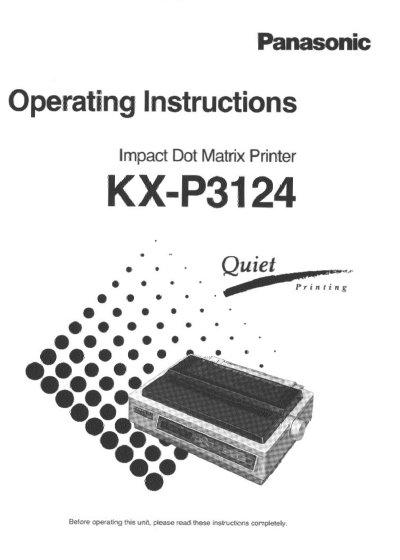
This manual provides operating instructions for the Panasonic KX-P3124 Impact Dot Matrix Printer. The device features an EZ Set Operator Panel with a 16-character LCD display to control various printing conditions quickly. It is designed as a versatile, high-quality printer suitable for office environments.
The document covers setup procedures including connecting to a computer and installing paper in different modes (fanfold or single sheet). It details the use of Function Mode menus for settings like font selection, pitch, and emulation (Epson LQ-570 and IBM Proprinter X24E), as well as maintenance and troubleshooting guidelines.
It is a versatile, high quality 24-pin dot matrix printer designed for office use.
The printer operates at 256 characters per second for Draft mode, 85 for LQ mode, and 42 for SLQ mode.
The printer supports both Friction and Tractor paper handling modes.