
This document is the operating instructions of Panasonic KX-P1131E dot matrix printer. It introduces the features of the printer, including power consumption, font, printing speed, paper feeding, tear off, paper parking, interface, etc.
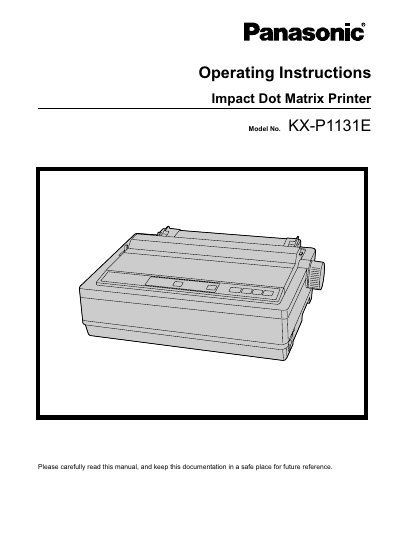
This document provides operating instructions for the Panasonic KX-P1131E Impact Dot Matrix Printer. It serves as a guide for users to safely install, configure, and operate the device in an office environment. The manual explains how to connect the printer via USB 2.0, parallel, or serial interfaces and includes software installation steps.
| Printing speed (Draft) | 240 characters per second (12 cpi) |
|---|---|
| Printing speed (LQ) | 80 characters per second (12 cpi) |
| Power consumption | 3W Ready |
| Font styles | Draft (Pica, Elite, Micron) and LQ (Courier, Bold PS, Prestige, Script, Sans Serif, Roman, OCR-B) |
| Paper Feeding | Friction and Tractor |
| Interface | USB 2.0, parallel, serial |
The printer supports USB 2.0, parallel, and serial interfaces.
You can use single sheets and envelopes by operating the printer in Friction Mode without removing the fanfold paper.
The power consumption in the Ready state is 3W.