
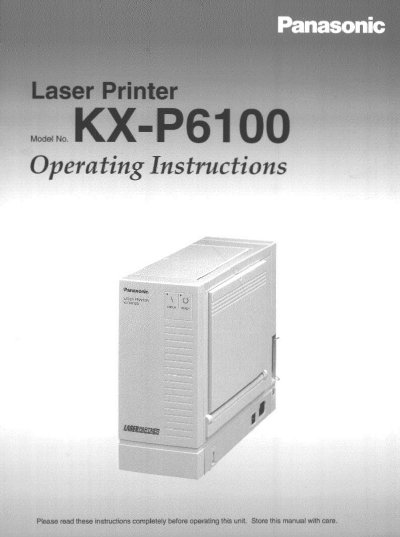
This manual provides comprehensive operating instructions for the Panasonic KX-P6100 laser printer. It details system requirements, unpacking procedures, and installation steps including process unit attachment and power connection.
The guide explains two primary print modes: GDI Mode for faster Windows printing with features like duplex printing and overlays, and PCL Mode for MS-DOS applications. It also covers the KX-P6100 Software utilities, status display messages, care instructions, and troubleshooting procedures.
| CPU Requirement | IBM compatible PC with at least a 386SX 16MHz |
|---|---|
| RAM Requirement | At least 4 MB PC memory (RAM) |
| Hard Disk Space | More than 4 MB hard disk space |
| Total Memory Requirement | The total memory, PC RAM plus Virtual memory, should add up to at least 12.5 MB |
No, you should not use an extension cord as it may cause issues.
Accidental spillage of a liquid into the printer can cause severe damage.
Type WIN /3 at the MS-DOS prompt to check.