
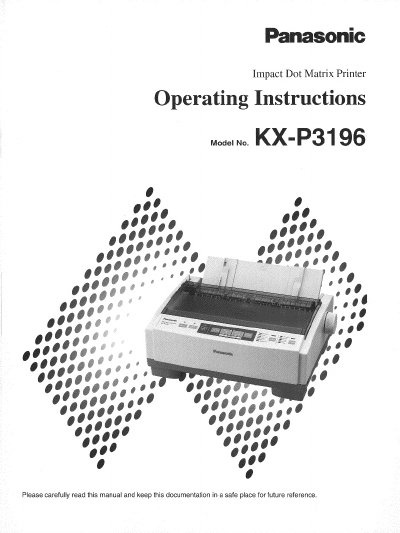
Panasonic KX-P3196 Impact Dot Matrix Printer Operating Instructions


Panasonic KX-P3196 Impact Dot Matrix Printer Operating Instructions - cover page
Brand
Panasonic
Category
Printer
Document type
User Manual
Language
English
Pages
45
File format
PDF
File size
1.4 MB
Published
08 August, 2012
Updated
22 August, 2012
MD5 checksum
22D1D4761D52132EA52C1E9C776D0A83

About this manual

This manual provides operating instructions for the Panasonic KX-P3196 Impact Dot Matrix Printer. It details the setup process, including unpacking, connecting to a computer, and installing the ribbon cassette and paper. The guide also covers handling different paper types, such as fanfold and single sheets.

What's inside

  • Read Me First
  • For Your Safety
  • Setup
  • Installing and Using the KX-P3196 Software
  • Using the Control Panel
  • Periodic Maintenance / Troubleshooting
  • Printer Specifications
  • Interfacing
  • Paper Specifications
  • Option / Supply

Frequently asked questions

What type of printer is the Panasonic KX-P3196?

It is a versatile, high quality 9-pin dot matrix printer designed for office use.

What should be done if the equipment causes harmful interference to radio or television reception?

The user should try reorienting the antenna, increasing separation from the receiver, connecting to a different circuit, or consulting a technician.

What is the warranty period for the software storage media?

Panasonic warrants the media against defects in materials and workmanship within ninety (90) days of receipt.

Download PDF (1.4 MB)

More Panasonic Manuals


View all Panasonic manuals →