
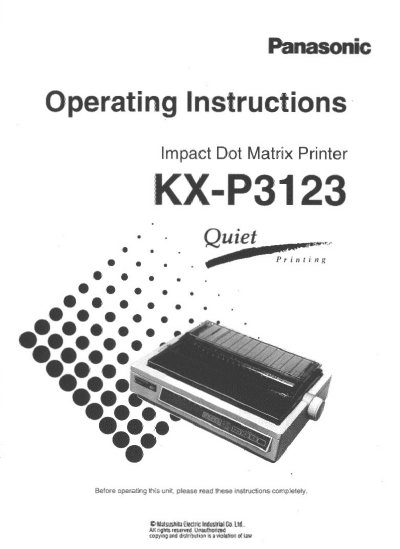
Panasonic KXP3123 Impact Dot Matrix Printer Operating Instructions


Panasonic KXP3123 Impact Dot Matrix Printer Operating Instructions - cover page
Brand
Panasonic
Category
Printer
Document type
User Manual
Language
English
Pages
116
File format
PDF
File size
2.7 MB
Published
08 August, 2012
Updated
22 August, 2012
MD5 checksum
5FEE8BD34E0FDFC725A5B387D3B3B98D

About this manual

This document provides operating instructions for the Panasonic KX-P3123, a versatile high-quality 24-pin dot matrix printer designed for office use. The manual details factory settings, including support for Epson LQ-570 and IBM Proprinter X24E emulation modes.

What's inside

  • Introduction
  • Features
  • Before You Start
  • Setup
  • Using the Printer
  • Initial Setup Mode
  • Software Commands
  • Maintenance & Troubleshooting

Specifications

Printer Type24-pin dot matrix printer
Printing Speed (Draft)192 characters per second (12 cpi)
Printing Speed (LQ)64 characters per second (12 cpi)
Fonts3 Draft and 6 Letter Quality fonts
Paper HandlingFriction and Tractor (Pull and Push)

Frequently asked questions

What operating temperature range is required?

The printer must operate within a temperature range of 10~35°C (50~95°F).

What is the required humidity level?

The printer requires a humidity range of 30~80% RH.

Which software emulation modes are supported?

The printer supports Epson LQ-570 and IBM Proprinter X24E emulation modes.

Download PDF (2.7 MB)

More Panasonic Manuals


View all Panasonic manuals →