
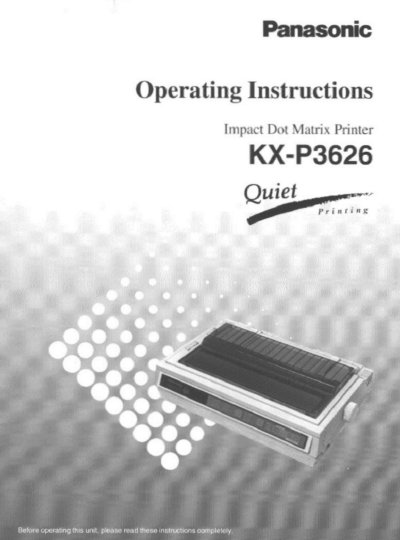
This document provides operating instructions for the Panasonic KX-P3626 Impact Dot Matrix Printer. It details features such as Epson LQ-1170 emulation and various font options including Draft, Letter Quality, and Super Letter Quality modes.
The manual guides users through unpacking, installation of paper and ribbon cassettes, connecting to a computer via parallel or serial interfaces, and using the control panel for settings like tear-off functions and quiet mode. It also includes sections on maintenance, troubleshooting, and technical specifications.
| Printer Type | 24-pin dot matrix printer |
|---|---|
| Printer Emulation | Epson LQ-1170 and IBM Proprinter XL24E |
| Draft Printing Speed | 300 characters per second (15 cpi) |
| Letter Quality Speed | 100 characters per second (15 cpi) |
| Super Letter Quality Speed | 40 characters per second (12 cpi) |
| Operating Temperature | 10~35°C (50~95°F) |
| Operating Humidity | 20~80% RH |
The recommended operating environment requires a temperature between 10°C and 35°C (50°F to 95°F).
Yes, the printer allows single sheets and envelopes to be used without removing or wasting fanfold paper.
Yes, parallel or serial interface can be selected when the KX-PS14 serial interface board is installed.