
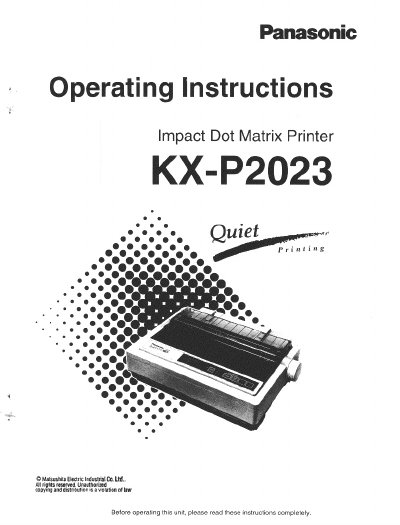
Panasonic KXP2023 Impact Dot Matrix Printer Operating Instructions


Panasonic KXP2023 Impact Dot Matrix Printer Operating Instructions - cover page
Brand
Panasonic
Category
Printer
Document type
User Manual
Language
English
Pages
88
File format
PDF
File size
1.9 MB
Published
08 August, 2012
Updated
22 August, 2012
MD5 checksum
35181FBAE8E757DC82DAAE070D30C917

About this manual

This document provides operating instructions for the Panasonic KX-P2023 impact dot matrix printer. It details features such as Epson LQ-850 and IBM Proprinter X24E emulation modes, super quiet printing, and support for various fonts including Draft and LQ styles at speeds up to 192 characters per second.

What's inside

  • Introduction
  • Features
  • Operating Environment
  • Unpacking and Assembling
  • Connecting to a Computer
  • Installing Paper
  • Printer-Driver Selection
  • Using the Setup Disk
  • Maintenance & Troubleshooting
  • Printer Specifications

Specifications

Printing Technology24-pin dot matrix
Draft Printing Speed192 characters per second (12 cpi)
LQ Printing Speed64 characters per second (12 cpi)
Fonts Available3 Draft and 4 LQ styles
Paper Handling ModesFriction and Push Tractor
Max Power Consumption150 W

Frequently asked questions

What printer emulation modes does this support?

The printer supports Epson LQ-850 and IBM Proprinter X24E emulation modes.

Can I use single sheets with the tractor feed?

Yes, it allows single sheets or envelopes to be used without removing or wasting fanfold paper.

What is the recommended operating temperature range?

The printer should operate within a temperature range of 10~35°C (50~95°F).

Download PDF (1.9 MB)

More Panasonic Manuals


View all Panasonic manuals →