
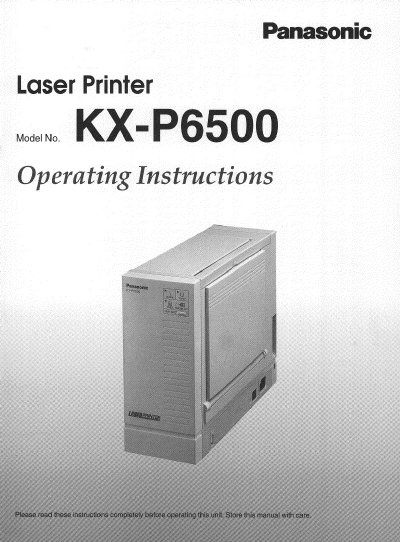
This Panasonic KX-P6500 Operating Instructions manual covers the laser printer's features, cautions, minimum space requirements, power source, unpacking, part names, indicators and button, and system requirements for Windows and MS-DOS. Setup topics include printer stand and process unit installation, connecting the printer and turning the power on, and loading paper, envelopes, labels, and transparencies.
The manual also describes KX-P6500 for Workgroups network and personal configuration, installing the Windows 3.1 and Windows 95 printer drivers and utilities, sharing and stopping printer resources, connecting a client PC to a shared printer, testing the printer, and removing the software. Safety and support notes include laser cautions, the requirement to use Genuine Panasonic Toner KX-P458, FCC information, and U.S. technical support phone numbers.
| Laser output | 5 mW max |
|---|---|
| Emission duration | Continuous |
| Toner | Genuine Panasonic Toner KX-P458 |
Use Genuine Panasonic Toner KX-P458. The manual states that using other toner can damage the process unit and the printer's fuser and void the warranty.
The serial number is on the label on the rear of the unit.
No. The manual says not to open covers or attempt repairs yourself and to refer servicing to qualified personnel.
Call 1-800-222-0584; this number is available within the U.S. only.