
This manual provides detailed instructions on how to use the Panasonic KX-P1121E Impact Dot Matrix Printer, including installation, printing, and maintenance
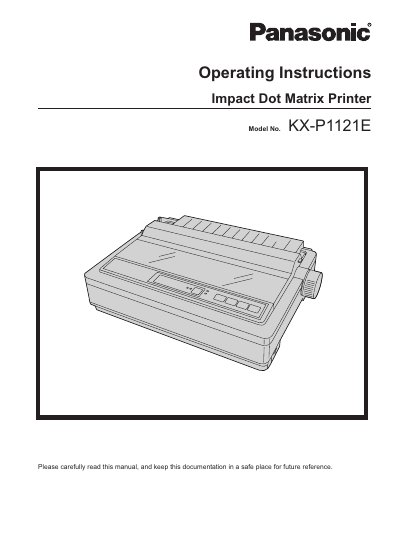
This manual provides operating instructions for the Panasonic KX-P1121E Impact Dot Matrix Printer. It covers safety information, unpacking, parts identification, software installation, and connecting to a computer via USB 2.0 or parallel interface.
The document details how to install and remove the ribbon cassette, handle various paper types including fanfold and single sheets, and use the control panel for font selection and paper feeding settings. It also includes sections on periodic maintenance, troubleshooting common issues, and lists technical specifications.
| Printing Technology | 24-pin dot matrix printer |
|---|---|
| Fonts (LQ) | 3 LQ (Courier, Bold PS, Prestige) |
| Draft Printing Speed | 192 characters per second (12 cpi) |
| LQ Printing Speed | 64 characters per second (12 cpi) |
The printer prints at 192 characters per second with a character pitch of 12 cpi.
The printer prints at 192 characters per second in Draft mode.
The printer supports 3 Draft fonts and 3 LQ fonts.
The printer supports both Friction and Tractor paper feeding methods.