
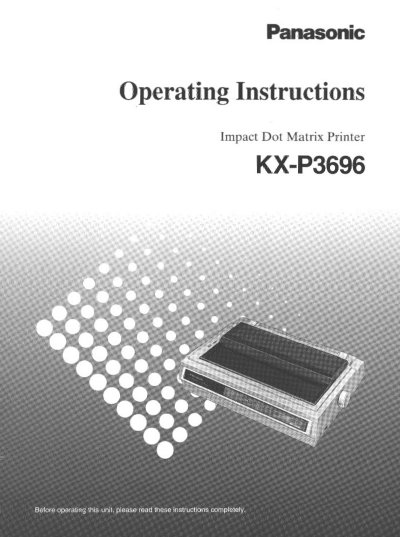
This document provides operating instructions for the Panasonic KXP3696, a versatile 9-pin dot matrix printer designed for office use. It supports various emulation modes including Epson FX-1170 and IBM Proprinter HIXL, and offers printing speeds of up to 500 characters per second in Draft mode. The printer features multiple paper handling options, including friction and tractor feed modes, and supports various character fonts and pitches.
| Printer Type | 9-pin dot matrix printer |
|---|---|
| Printer Emulation | Epson FX-1170 and IBM Proprinter HIXL |
| Quiet Mode | Reduces printing noise |
| Draft Printing Speed | 500 characters per second |
| NLQ Printing Speed | 80 characters per second |
| Temperature Range | 10~35°C (50~95°F) |
| Humidity Range | 20~80% RH |
The printer should be operated within a temperature range of 10~35°C (50~95°F).
Available fonts include Pica, Elite, Micron, Bold PS, Courier, Prestige, Roman, Sans Serif, and Script.
Yes, the printer allows single sheets and envelopes to be used without removing or wasting fanfold paper.