
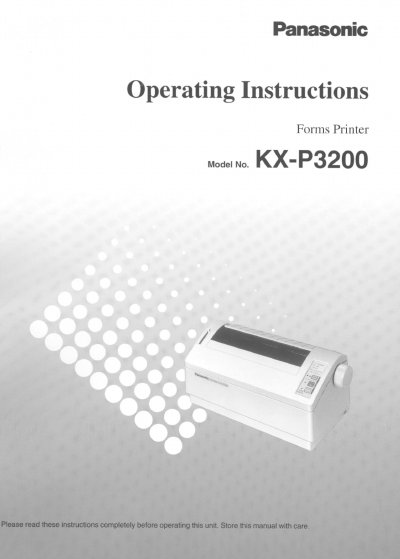
Panasonic KX-P3200 Forms Printer Operating Instructions


Panasonic KX-P3200 Forms Printer Operating Instructions - cover page
Brand
Panasonic
Category
Printer
Document type
User Manual
Language
English
Pages
28
File format
PDF
File size
3 MB
Published
08 August, 2012
Updated
22 August, 2012
MD5 checksum
F9790CA182DCBC337EBB4124CD1FF36B

About this manual

This document provides operating instructions for the Panasonic KX-P3200, a versatile 9-pin dot matrix printer designed for office use. It includes safety warnings, unpacking checks, and initial setup procedures for connecting the printer to a computer via parallel or serial interfaces.

What's inside

  • Unpacking
  • Warning/Caution
  • End-User License Agreement
  • Operating Environment
  • Connecting to a Computer
  • Installing Paper
  • Installing Ribbon Cassette
  • Using the Control Panel
  • Periodic Maintenance
  • Troubleshooting

Specifications

Operating Temperature10~35°C (50~95°F)
Operating Humidity20~80% RH
Interface Cable Length6'5" (1.95 m) or less

Frequently asked questions

What is the maximum recommended length for the interface cable?

You should use a shielded cable that is 6'5" (1.95 m) or less in length for both parallel and serial connections.

What are the operating temperature and humidity limits for this printer?

The printer must be operated within a temperature range of 10~35°C (50~95°F) and a humidity range of 20~80% RH.

How much clearance is required around the printer for proper ventilation?

A minimum of 4 inches (10 cm) of clearance on all sides is necessary to ensure proper ventilation.

Download PDF (3 MB)

More Panasonic Manuals


View all Panasonic manuals →