
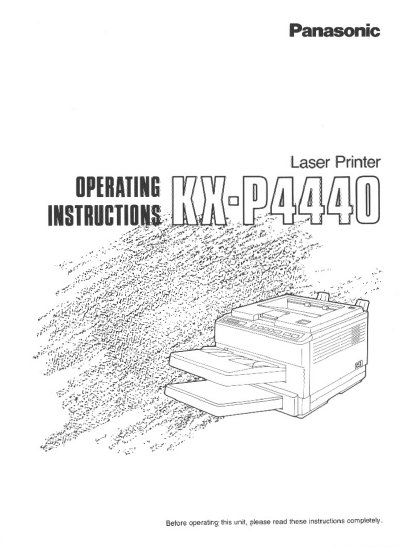
Panasonic KX-P4440 Laser Printer Operating Instructions


Panasonic KX-P4440 Laser Printer Operating Instructions - cover page
Brand
Panasonic
Category
Printer
Document type
User Manual
Language
English
Pages
152
File format
PDF
File size
3.1 MB
Published
08 August, 2012
Updated
22 August, 2012
MD5 checksum
7D70962DEF015E5C0C06932FD741A0E6

About this manual

This document provides operating instructions for the Panasonic KX-P4440 laser printer. It includes a guided tour of the unit, installation requirements, and step-by-step guides for unpacking, connecting the printer to a computer via parallel or serial interfaces, and powering it on. The manual details how to load paper into the cassettes and use the manual feed for envelopes or legal-size paper.

What's inside

  • Product Overview
  • Installation Requirements
  • Installing Developer Unit and Drum Unit
  • Interfacing with Computer
  • Loading Paper and Envelopes
  • Front Panel Description
  • Care and Maintenance
  • Clearing Paper Jams
  • Adjusting Print Density
  • Specifications

Specifications

Product TypeLaser Printer
Model NumberKX-P4440
Copyright HolderKyushu Matsushita Electric Co., Ltd.

Frequently asked questions

What are the authorized service center phone numbers for the US?

The authorized service center number is 1-800-447-4700.

What safety precautions should be taken when opening the printer?

Do not open covers or repair the unit yourself, as invisible laser radiation may be hazardous when the interlock is defeated.

Download PDF (3.1 MB)

More Panasonic Manuals


View all Panasonic manuals →