
This document provides information on the equipment checklist, network configuration, and connection steps for the Linksys AM300 ADSL/ADSL2+ Modem/Router. The device supports PPPoE connection, eliminating the need for manually encoding IP addresses and DNS settings.
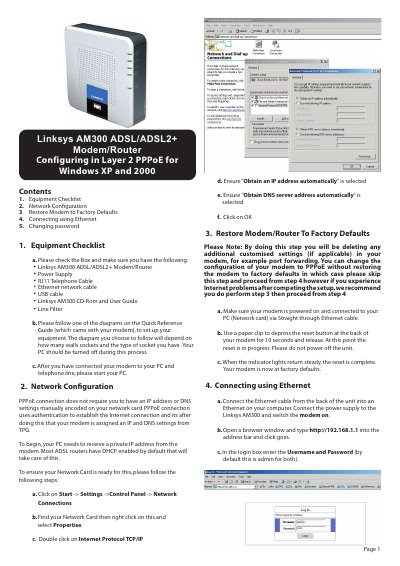
This manual guides users through the initial setup and configuration of the Linksys AM300 ADSL/ADSL2+ Modem/Router. It includes an equipment checklist, network configuration procedures, and instructions for restoring factory defaults.
Key sections cover connecting the device via Ethernet, configuring PPPoE settings, changing the default password, and contact information for technical support. This manual is written in Chinese.
Press the reset button with a paper clip for about 10 seconds until the indicator lights become steady, then the modem returns to factory settings.
Visit the password‑change link provided in the manual; the default username and password are both "admin" and you can set a new password there.
Set the network card to obtain IP and DNS automatically, select PPPoE encapsulation, and enter your ISP credentials as described.