
This document is a configuration guide for the Linksys SPA2102 router, providing instructions on how to configure it as a router. It is intended for users who do not have a separate router or wireless router in their network. The guide provides detailed instructions and advises users to contact their Internet Service Provider for router settings and other network settings. Additional documentation for using the Linksys SPA2102 with 8x8 service is also mentioned.
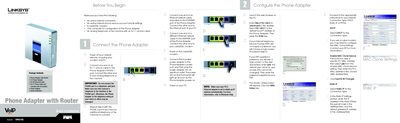
The guide begins with the package contents and shows how to connect the phone adapter to analog phones, Ethernet, and the Internet. It includes safety notes about connecting only to the PHONE ports and explains powering the device and your PC.
Configuration is performed through a web browser at the default address 192.168.0.1, where you can select DHCP, Static IP, or PPPoE connection types, set DNS servers, and use the Interactive Voice Response menu for telephone‑based adjustments. The manual also covers factory reset, status checks, and firmware version lookup.
| Model Number | SPA2102 |
|---|---|
| Default IP address | 192.168.0.1 |
| Default username | user |
Launch a web browser on a PC connected to the same network and go to http://192.168.0.1/.
You can select DHCP, Static IP, or PPPoE as the connection type in the web‑based setup.