
This document is the user guide for the CIT200 Cordless Internet Telephony Kit, providing instructions for using the product and its technical specifications.
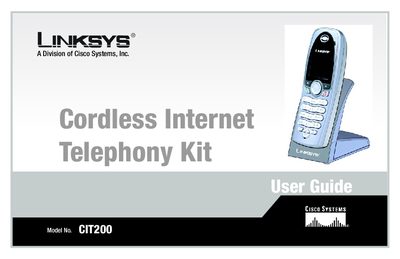
This manual introduces the Linksys Cordless Internet Telephony Kit, a cordless handset system that works with Skype to place and receive phone and fax calls over a broadband connection. It explains the symbols used, the layout of the guide, and what is included in the kit.
The guide covers getting to know the kit, step‑by‑step setup of the charger, base station, and handset, detailed usage instructions for making calls, managing contacts, voicemail, and advanced features, as well as troubleshooting, specifications, regulatory information, warranty, and contact details.
Follow Chapter 3 of the guide, which walks you through setting up the telephony kit, connecting the base station to your PC, and setting the handset’s clock.
Yes, the handset works with the Skype application to place and receive SkypeOut calls, display your contact list, and show caller ID on the handset screen.