
This document provides instructions for installing and configuring the Wireless-G Cable Gateway, as well as an introduction to LANs, WANs, and IP addresses. It also provides detailed information about the device's back panel ports, reset button, USB interface, and front panel LED indicators.
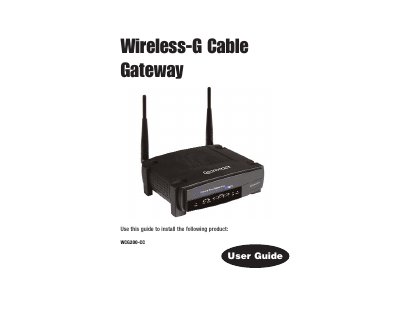
This guide walks you through setting up the Linksys WCG200-CC Wireless‑G Cable Gateway, covering hardware connections, driver installation, and basic network configuration. It explains the device’s built‑in cable modem, router, 4‑port 10/100 Ethernet switch, USB and wireless interfaces, and includes safety and FCC compliance information.
The manual also provides detailed steps for installing USB drivers on various Windows versions, resetting the gateway to factory defaults, and troubleshooting common issues such as LED error indicators and IP address conflicts. Appendices contain a glossary, specifications, and a FAQ section.
| Built‑in functions | cable modem, router, and switch |
|---|---|
| Ethernet ports | 4‑port 10/100 Ethernet Switch |
| Wireless standard | Wireless‑G (802.11g) |
| Firewall | stateful packet inspection firewall |
Insert the setup CD, let Windows detect the new hardware, and follow the on‑screen prompts to install the driver for Windows XP.
Comcast requires the 12‑digit MAC address printed on a barcode label on the bottom of the Cable Gateway.