
This is a user guide for the Wireless-N Broadband Router. It introduces the functions and features of the router.
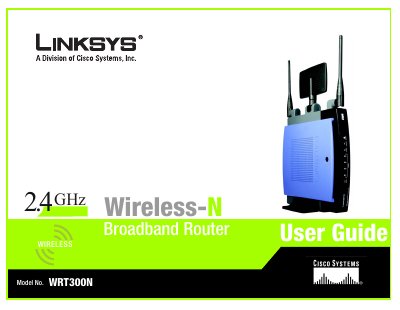
This user guide walks you through planning, installing, and configuring the Linksys WRT300N Wireless‑N Broadband Router. It covers hardware installation, web‑based utility setup, wireless security, and advanced features such as VPN passthrough and QoS.
Additional sections include troubleshooting tips, firmware upgrade procedures, regulatory information, and contact details for Linksys support.
| Model | WRT300N |
|---|---|
| Standards | 802.11g, 802.11b, 802.3, 802.3u |
| Number of Antennas | 3 |
| RF Power (EIRP) | 17 dBm |
| Antenna Gain | 2 dBi |
| Power Supply | 12 V, 1 A |
| Dimensions | 7.40" × 1.57" × 6.93" (188 mm × 40 mm × 176 mm) |
| Operating Temperature | 0 °C to 40 °C (32 °F to 104 °F) |
The WRT300N is equipped with three antennas.
It supports 802.11g, 802.11b, 802.3, and 802.3u standards.
The router requires a 12 V, 1 A power supply.
The router measures 7.40" × 1.57" × 6.93" (188 mm × 40 mm × 176 mm).