
This is a user manual for NetFone, which introduces how to use NetFone's services and products
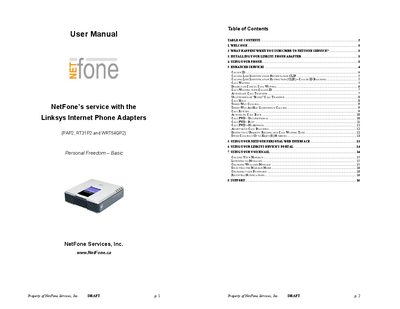
This manual provides step‑by‑step instructions for installing the Linksys WRT54GP2 phone adapter, connecting power and Ethernet, and accessing the quick‑install guide. It also explains how to use the adapter with a standard analog handset and outlines the required network setup.
The document details the enhanced VoIP services supported by the adapter, such as Caller ID, Call Waiting, three‑way calling, call forwarding, speed dialing, and web‑portal management. It includes troubleshooting tips, feature activation codes, and contact information for NetFone support.
| Maximum simultaneous calls | 2 per line |
|---|---|
| Speed dial capacity | Up to 8 numbers |
| Phone outlets | 2 |
The adapter supports up to two calls per line.
You can program up to eight speed‑dial numbers.
Lift the receiver, listen for a dial tone, then press *70 before dialing.