
This User Guide is from a division of Cisco Systems, Inc., and provides instructions and technical specifications for using the WRV54G Wireless-G VPN Broadband Router.
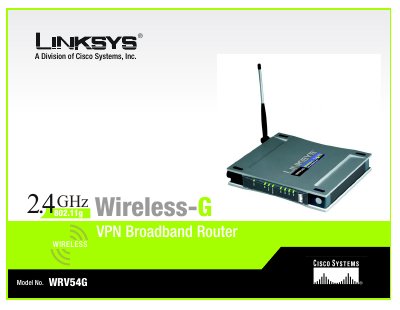
This guide covers everything needed to install and operate the Linksys WRV54G Wireless‑G VPN Broadband Router. It includes chapters on planning a wireless network, configuring VPN tunnels, detailed hardware descriptions, and step‑by‑step instructions for connecting and managing the router.
The manual also contains a full specifications appendix, security feature details, firmware upgrade procedures, and a troubleshooting section to help resolve common issues.
| Standards | 802.11b, 802.11g, 802.3 |
|---|---|
| Ports | Internet, Ethernet (1‑4), Power |
| Transmit Power | 19 dBm |
| Security Features | WEP, 802.1x Authentication |
| WEP Key Bits | 64, 128 |
| Dimensions | 7.32" x 6.89" x 1.89" (186 mm x 175 mm x 48 mm) |
| Weight | 1.26 lb (0.57 kg) |
| Power Consumption | 5 V, 2.5 A |
| Certifications | FCC, IC‑03 |
| Operating Temperature | 32 °F – 104 °F (0 °C – 40 °C) |
Open a web browser and enter the router’s IP address to reach the web‑based utility.
Use the Firmware Upgrade option under the Administration tab in the web interface.
It supports WEP, 802.1x authentication, and WPA security methods.