
Improper work habits when using a keyboard or mouse may result in discomfort or serious injury such as strain to your hands, wrists, or other parts of your body. Whether you are working or playing, it is important to avoid awkward postures and position your body comfortably. Not only can this improve your overall productivity, it may help you avoid MSDs (Musculoskeletal Disorders). Changing your posture during extended tasks may also help you avoid discomfort and fatigue. Information about Electric-, Magnetic- and Electromagnetic Fields (EMF) and the commitment of Philips Electronics to develop and market products that cause no adverse health effects.
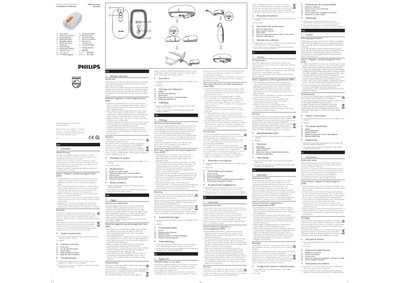
This manual explains how to install and configure the Philips SPM5910 mouse, including system requirements and basic operation. It also describes the main functions of the device and how to use its buttons and scroll wheel.
A troubleshooting section helps resolve common issues such as connectivity problems or unexpected behavior. The guide is organized with clear headings for quick reference.
Check the troubleshooting section for common problems and follow the suggested steps to resolve the issue.
The manual lists the system requirements needed for the mouse to operate correctly.