
This document is the user manual for the Philips PPX1020 pocket projector. It provides information on the product's features and characteristics, and includes user manuals in multiple languages.
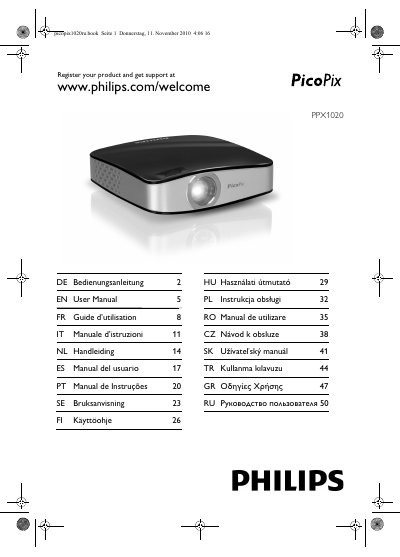
This manual explains how to safely set up and use the Philips PPX1020 pocket projector. It covers safety precautions such as protecting the device from direct sunlight, heat, moisture, dust, and vibration, and provides guidance on handling moisture condensation.
The guide details basic operation, software installation, and connection steps, as well as the technical data, minimum PC requirements, and environmental recommendations for optimal performance.
| Display technology | 0.37" LCoS |
|---|---|
| Light source | RGB LED |
| Resolution | 800 × 600 pixel |
| Supported resolutions | SVGA / XGA / WXGA |
| Brightness (Bright Mode) | up to 20 lumen |
| Contrast ratio | 400:1 |
| Projected image size | 5.2 – 81 inch |
| Screen distance | 0.2 m – 3 m |
| Horizontal scan rate | 31 – 69 kHz |
| Vertical scan rate | 56 – 85 Hz |
| Power supply | via USB |
| Weight | 0.15 kg |
| Recommended ambient temperature | 5 °C – 40 °C |
| Relative humidity | 20 % – 80 % (non‑condensing) |
A processor of Intel Pentium M or AMD Athlon at 2 GHz or higher, Windows XP SP2 / Vista / Windows 7, 1 GB DDR SDRAM, 40 MB free disk space, and a USB 2.0 port.
Disconnect the device from the computer before restarting to prevent the computer from trying to boot from the projector’s USB storage mode.