
This document is the user manual for Philips SPM1500, SPM1700, SPM2700, SPM3700 wired optical mouse.
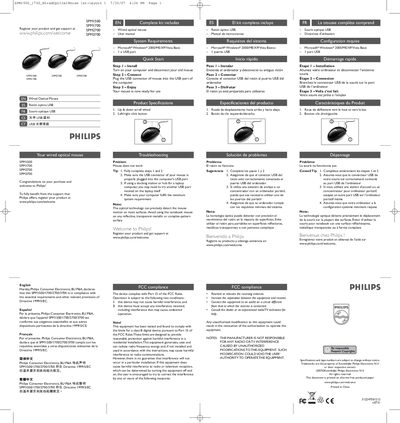
This manual provides step‑by‑step instructions for installing the Philips SPM1500/1700/2700/3700 wired optical mouse, including how to connect the USB connector and verify the mouse is ready for use. It also contains troubleshooting tips for common issues such as the mouse not working or USB connection problems.
Additional sections cover product specifications, system requirements, regulatory compliance (FCC, RoHS, EMF), health and safety warnings, and environmental disposal information.
| Scroll wheel | Up & down scroll wheel |
|---|---|
| Mouse buttons | Left/right click button |
| Operating system | Microsoft Windows 2000/ME/XP/Vista Basic |
| USB port | 1 x USB port required |
Turn on the computer, disconnect the old mouse, plug the USB connector of the new mouse into a USB port, and the mouse is ready for use.
The mouse works with Microsoft Windows 2000, ME, XP, and Vista (basic version) with at least one USB port.