
This is a user manual for Pocket Projector
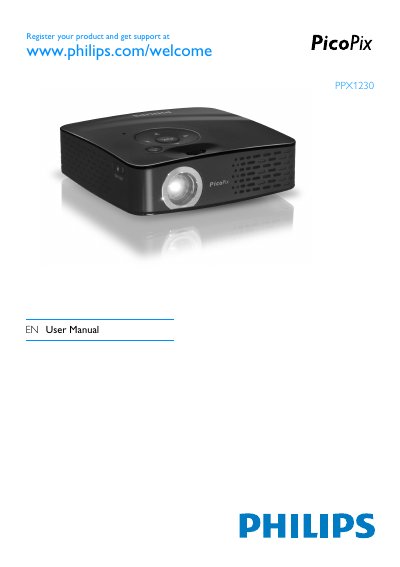
This manual guides you through the safe setup and use of the Philips PPX1230EN Pocket Projector. It includes general safety information, power‑supply requirements, and detailed steps for installing the device, charging the built‑in battery, and selecting the menu language.
The guide also covers how to connect various playback devices using the supplied AV, component‑video, or VGA‑audio cables, adjust image and sound settings, use power‑save mode, and troubleshoot common issues. Technical data and accessory information are provided in the appendix.
| Dimensions (L×H×W) | 100×32×100 mm |
|---|---|
| Weight | 0.28 kg |
| Recommended Ambient Temperature | 5–40 °C |
| Relative Humidity | 20–80 % (non‑condensing) |
| Video Standard (CVBS) | PAL, SECAM, NTSC |
| Video Standard (YPbPr) | 480i/p, 576i/p, 720p, 1080i |
| Resolution | 800×600 pixel |
| Brightness (Bright Mode) | up to 30 lumens |
| Contrast Ratio | 400:1 |
| Power Supply Input | 100–240 V ~ / 50‑60 Hz |
| Battery Type | LiPol |
| Battery Operating Time (Power Save) | 3 h |
Charge the built‑in battery for at least 3 hours before using the projector for the first time.
The projector works best when placed between 0.2 m and 3 m from the screen.
Use the supplied AV (CVBS) cable for composite video, the component‑video (YPbPr) cable for component signals, or the VGA‑audio cable for a computer.