
This document provides a quick guide to connecting and installing Philips CD-RW drives. It describes the connection and installation steps and provides connection and installation illustrations.
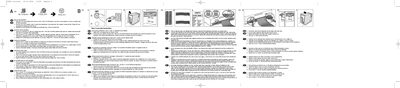
This guide provides step-by-step instructions for installing the Philips DVD+RW CD-RW internal drive. It covers connecting audio and power cables, attaching the drive to the PC frame, and configuring jumper settings. The guide also includes instructions for running the setup program from the included CD.
Connect the audio cable (if applicable) and the power cable to the drive. Use the screws included to attach the drive to the PC frame.
Set the little square plastic jumper block of your new Philips RW drive according to the JUMPER table, where "DRIVE 2" stands for the drive from which you just checked the jumper setting.