
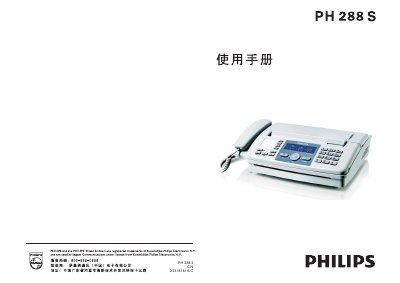
This manual covers the PH288S fax machine, describing safety precautions, the included accessories, and the layout of the control panel. It guides users through installation, wiring, and loading thermal paper, as well as how to send and receive faxes, make telephone calls, and perform copying functions.
Additional sections explain routine maintenance, cleaning of the print head and rollers, simple fault‑resolution steps, and detailed technical specifications such as power consumption, dimensions, and supported paper formats. This manual is written in Chinese.
| Standard | ITU‑T30 6G3 |
|---|---|
| Modulation Rate | 9.6 KBPS |
| Standby Power | ≈ 3 W (max 80 W) |
| Dimensions | 395 × 345 × 160 mm |
| Weight | ≈ 3.1 kg |
| Power Supply | 220 V AC |
| Thermal Paper Width | 216 mm |
Verify that the machine is plugged in and that the supplied voltage matches the required 220 V AC.
Press the redial key; the machine will automatically dial the last number used.